

The Indian Army focuses on discipline, transparency, and benefits for its soldiers. As digital technology is advancing, the administrative services are also moving to online processes. One of the most important initiatives is the “Hamraaz Portal”. It serves Indian Army Personnel. They can easily get their pay-related details, service records, and important updates anytime.
In this article, we will learn complete details of Hamraaz Personal Login, features, benefits, and more.
What is Hamraaz Portal?
Hamraaz official portal is a web-based platform and a mobile app introduced by the Indian Army. The main purpose of the portal is to serve Army Personnel; it is not available for civilians or retired soldiers. The platform allows soldiers to manage their personal and professional details digitally. They are no longer required to visit the administrative offices for their work. The Hamraaz System offers transparency in salary, allowances, and service-related information.
What is Hamraaz Personal Login?
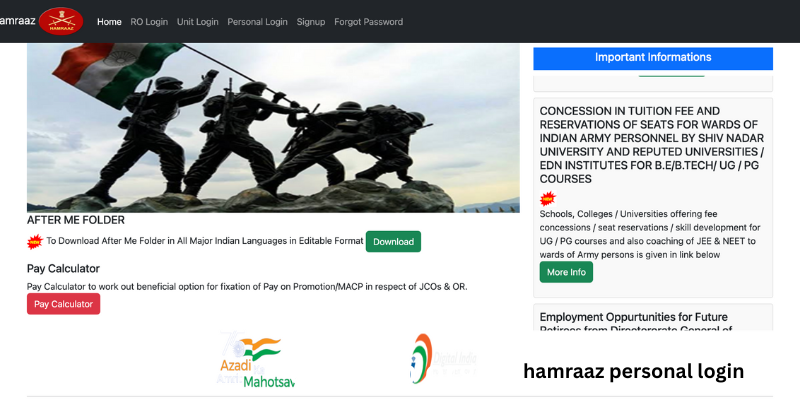
Hamraaz Personal login offers a secure login system that allows Army personnel to access their accounts on porta. Once the login is done, soldiers can check confidential and personalized details such as Monthly payslips, Form 16, annual increment details, leave records, posting details, promotion information, and service profile. Every user has a unique login ID and password linked with PAN and Aadhaar details.
Who Can Use Hamraaz Personal Login?
Hamraaz personal login is available only for Indian Army personnel. The eligible users include presently serving Indian Army personnel, officers, JCOs, and other ranks (ORs). Civilians, retired army personnel, and family members are not eligible to access the Hamraaz Personal.
How to Register for Hamraaz Personal Login?
Before logging in to the Hamraaz Portal, you must complete the registration process by following the steps below:
- open the official Hamraaz portal on your browser.
- Press the “Personal Login” option.
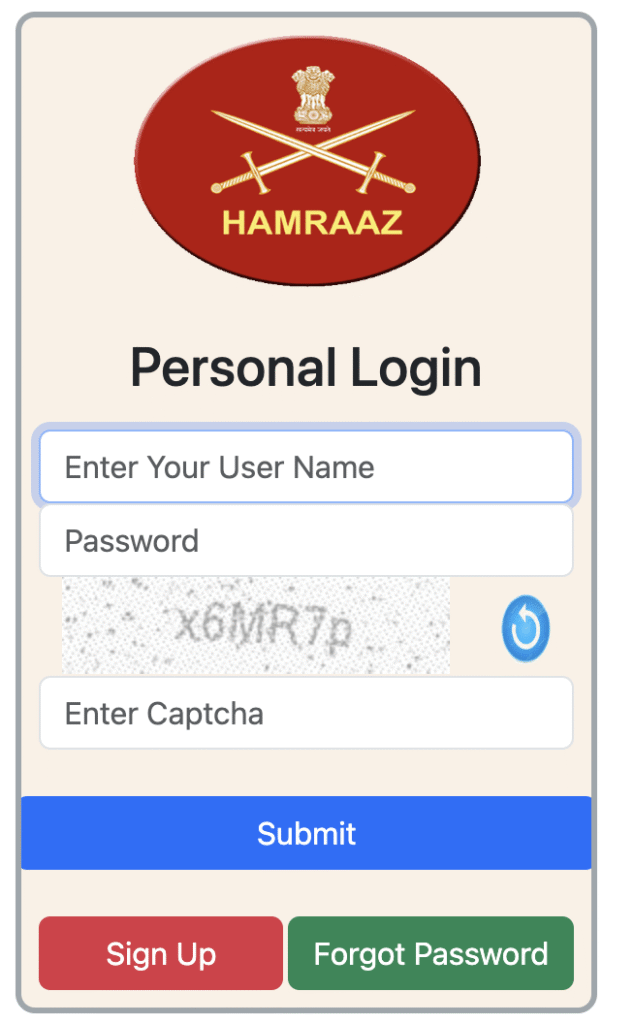
- Now, select “Sign Up / Registration.”
- In the provided space, you need to enter your PAN number.
- Verify the provided details using the OTP received on your mobile number.
- Now, create a strong password.
- Your registration process is complete. You can log in anytime to the Hamraaz portal.
Read Also: FCI HRMS Login | MP Bhulekh
How to Log in to Hamraaz Personal Account?
Once the registration is done successfully, you must follow the steps below for the Hamraaz Personal account login:
- Go to the official portal of Hamraaz or the mobile app.
- Press “Hamraaz Personal Login”.
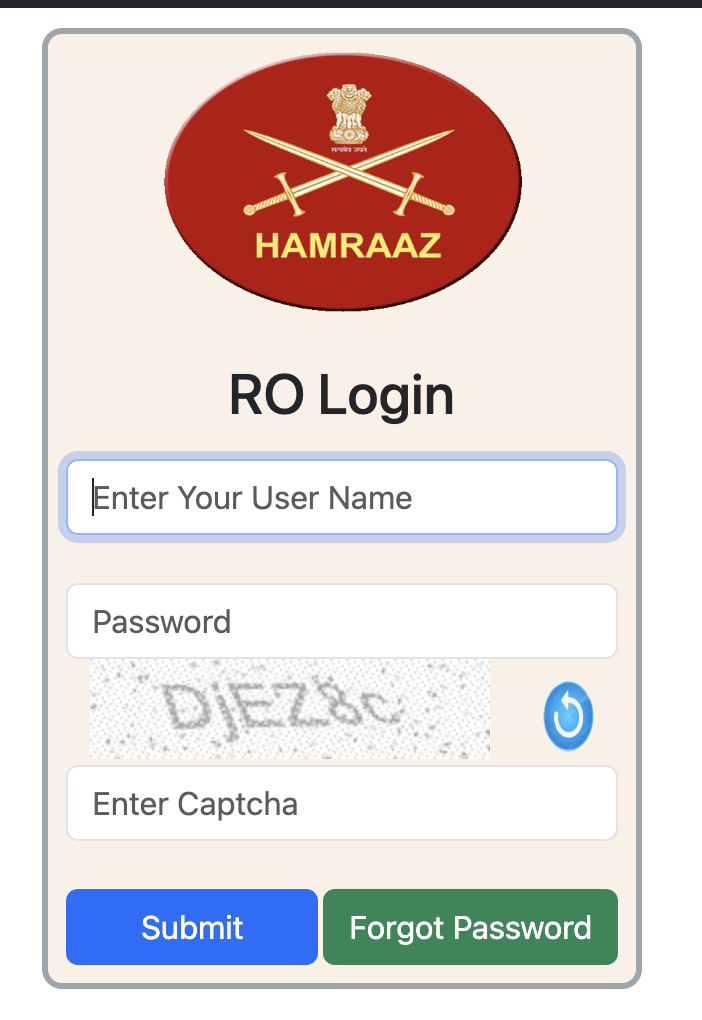
- Enter your PAN number and login ID.
- Enter your login password.
- Now, fill in the captcha code in the provided space and press “login”.
Key Features of Hamraaz Personal Login
There are various features of the Hamraaz portal that reduce paperwork and enhance efficiency. Here are the key features:
- Salary and Payslip Details
Using the hamaraaz portal, soldiers can easily get their monthly payslips. It shows the various salary components such as basic pay, DA, HRA, etc.
- Form 16 Download
Soldiers can easily access Form 16 for income tax filing. They can download it easily.
- Service Profile
In the service profile, soldiers can check their personal details such as name, rank, unit, date of joining, and service number.
- Leave information
Soldiers can manage their leaves using the information provided on the portal for their balance leaves, availed leaves, and other updates.
- Promotion and Postings
Haraaz portal provides official updates for promotions, posting ad cadre change to the soldiers in real time.
Benefits of Hamraaz Personal Login
Hamraaz Portal offers various benefits to the soldiers as mentioned below:
- 24×7 access
Army Personnel can access their dashboard anytime to check their payslip, service details, and documents.
- Paperless system
The important details for the army officers are available online. It reduces the physical files and frequent administration office visits.
- High security
Hamraaz portal offers high security to the important data using the PAN verification and OTP. It ensures that only the authorized users can access the portal.
- Transparency in salary and service
Soldiers can check their salary components, deductions, and promotions on the Hamraaz portal. It offers transparency and trust-building.
Important Security Tips for Users
There are some important tips that the users must follow while using the Hamraaz portal:
- Dont share your login details with anyone.
- Don’t use public wifi for login to the Hamraaz Portal.
- Once you have used the portal, make sure to log out every time.
- Keep changing your password regularly to ensure security.
- If you want to download the app, you must only use the official sources.
Hamraaz App vs Hamraaz Website
| Feature | Hamraaz App | Hamraaz Website |
| Accessibility | Mobile-friendly | Desktop & mobile |
| Login Security | OTP + Password | Password + Captcha |
| Ease of Use | Very convenient | Slightly slower |
| Updates | Regular | Regular |
Conclusion
Hamraaz Personal Login is a major step for the digital empowerment of Indian Army officers. The portal helps to maintain transparency, convince, and secure access to important service-related details. Army personnel can get the salary slips, tax documents, and service records on the portal. It reduced the administrative burden and saved time.
For every member, it is very important to use the Hamraaz Personal login carefully to keep your information confidential. Log in properly to utilize the portal completely.
FAQs
Q1)Who is eligible to use the Hamraaz Personal Login?
Hamraaz personal login is available only for Indian Army officers, JCOs, and other ranks. Civilians, family members, and retired army personnel cannot use the portal.
Q2)What are the requirements to log in to the Hamraaz portal?
You need a PAN card number, registered mobile number, and OTP to log in to the Hamraaz Portal.
Q3)If I forget my Hamraaz login password, what should I do?
In case you lost or forgot your login password, you can reset it by clicking the “Forgot password” option on the Hamraaz portal login page.
Q4)How to download my salary slip and Form 16 on the Hamraaz portal?
You can download the pay slip and Form 16 on the Hamraaz portal from the personal dashboard. Log in using your ID and password, and you will get the details on the dashboard.
Q5)I am facing an issue logging in to the Hamraaz personal account. What should I do?
Check your PAN details and logic credentials. Make sure you are entering everything correctly. If the issue persists, you can contact the administrative office.
Read Also: EducationBeing com | Sitara Ghattamaneni
